How to Set Up TikTok Shop and Instagram Shop for Your Small Brand — The Complete Step-by-Step Guide for 2026
SnapReel
May 11, 2026 · 14 min read
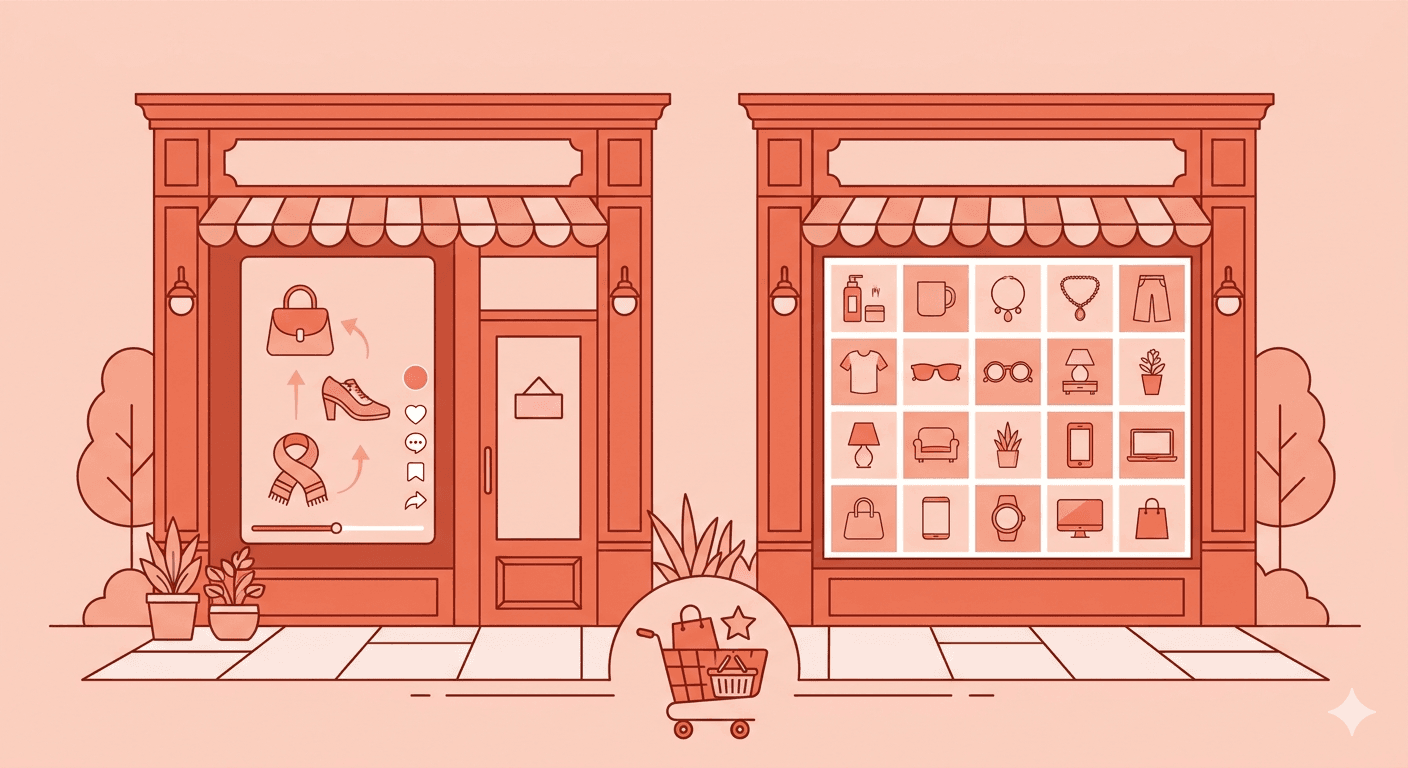
Table of Contents
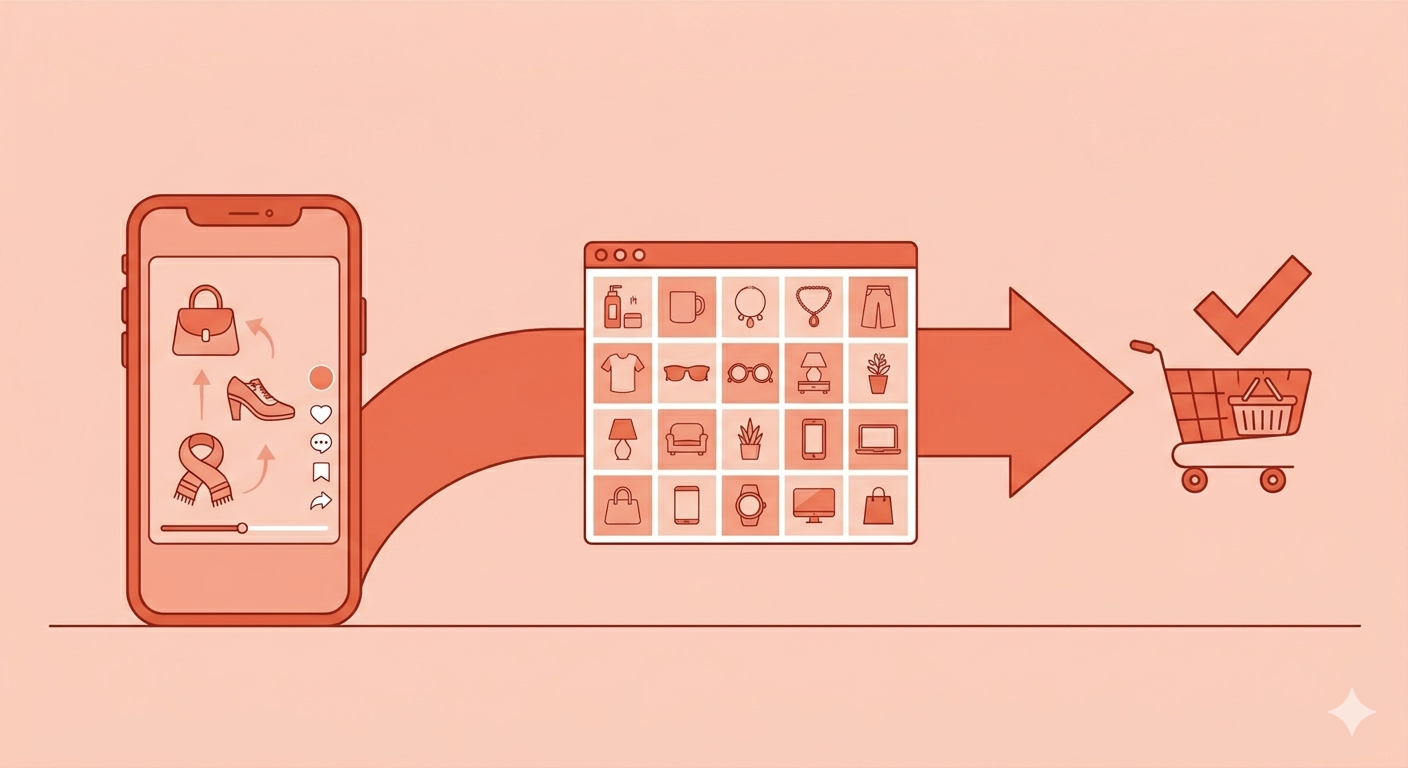
There's a shift happening in how people buy things that most small brands are still catching up to. A few years ago, the path to purchase was predictable: customer sees a product, visits your website, adds to cart, checks out. Today, that journey increasingly never leaves the social media app at all. A customer watches a TikTok, taps a product tag, and completes a purchase — all within 60 seconds, without ever opening a browser.
This is social commerce, and in 2026 it isn't a trend anymore. It's the fastest-growing sales channel for product-based small brands globally. TikTok Shop reached roughly $66 billion in gross merchandise value in 2025 and is projected to surpass $87 billion in 2026. In the US alone, half of all social shoppers are expected to make a purchase on TikTok this year. Instagram Shopping, meanwhile, has become the digital catalog where customers research and validate purchases — with 60% of Instagram users relying on the platform for product research, up 16% from last year.
The brands that have set up shop on both platforms are sitting on a distribution advantage that their competitors are missing. The brands that haven't are sending customers on a longer, more friction-filled journey that loses people at every extra step. This guide is the complete setup walkthrough for both TikTok Shop and Instagram Shop — plus the strategy that actually drives sales once you're live.
Understanding the Difference — TikTok Shop vs Instagram Shop
Before setting up either platform, it's worth understanding what each one is actually good for — because they serve different roles in a customer's buying journey, and treating them as interchangeable is one of the most common mistakes small brands make in social commerce.
TikTok Shop is a discovery and impulse channel. Its algorithm doesn't care about your follower count — it shows products to people based on their interests and content behavior. This means a brand new account with zero followers can post a product video, go viral, and sell hundreds of units overnight. The average order value tends to be lower, the buying decision is faster, and the content needs to feel entertaining and authentic rather than polished and promotional. TikTok Shop is where you find customers who didn't know they needed your product yet.
Instagram Shop is a research and trust channel. When someone discovers your brand on TikTok, their next move is almost always to check your Instagram. They scroll your grid, read your bio, look at your tagged content and reviews, and decide whether your brand is legitimate and worth buying from. Instagram's visual catalog format — with shoppable product tags on posts, Stories, and Reels — supports a higher-consideration purchase process. It works especially well for higher-ticket items where customers need more reassurance before buying. Instagram is where you convert warm leads and retain existing customers.
The winning strategy for small brands in 2026 is to use TikTok for discovery and Instagram for validation. Someone finds you on TikTok, visits your Instagram to check you out, and buys — either through Instagram Shop directly or back on your website. Set up both, understand their different roles, and create content accordingly.
How to Set Up TikTok Shop — Step by Step
Setting up TikTok Shop is more of a bureaucratic process than a technical one. The most common reason small brands delay is that they don't know where to start. Here's the exact sequence.
Step 1 — Check Your Eligibility
TikTok Shop in 2026 is available in the US, UK, several Southeast Asian markets including Indonesia, Malaysia, Philippines, Thailand, Vietnam, Singapore, and a growing number of European countries including Germany, France, Italy, and Spain. TikTok has also expanded availability to Pakistan, UAE, Saudi Arabia, and several other markets — check seller.tiktok.com for the most current country list.
You need a TikTok Business Account, which is free to switch to from a personal account. The account holder must be 18 or older. You'll need a government-issued ID, business registration documents if applicable, and a bank account for payouts. One important update for 2026: TikTok removed the minimum follower count requirement in most markets, meaning a brand-new account can open a shop and start selling from day one.
Step 2 — Register on TikTok Seller Center
Go to seller.tiktok.com and create your account using your TikTok Business Account credentials. Choose your region carefully — this determines your payout currency, tax obligations, and the shipping options available to you. Complete your business information accurately and make sure every detail matches your official documents exactly. Name mismatches are the single most common reason for verification delays.
Upload your required documents during the verification step. Most small business applications are reviewed within one to three business days. Identity verification is the most common bottleneck — clear, legible document photos speed the process significantly.
Step 3 — Set Up Your Storefront and Upload Products
Once verified, go to your Seller Center dashboard and customize your shop. Add your shop name, a high-quality logo, and a clear, specific description of what you sell. Your storefront is the first thing customers see when they tap "See More" on your shop tab — make it immediately clear what your brand is and why it's worth buying from.
Upload your products with complete information: clear titles with keywords your customers would search, detailed descriptions that explain benefits not just features, multiple high-quality images showing the product from different angles, and accurate variant information for size, color, and quantity. Products with incomplete information consistently underperform because TikTok's algorithm deprioritizes listings that feel low-effort. Take the time to do this properly from the start.
Step 4 — Link Your TikTok Business Account and Choose Your Fulfillment Method
Linking your TikTok Business Account to your Seller Center is a step many brands overlook and shouldn't. Without this link, you cannot run TikTok Shop ads, whitelist creator content for Spark Ads, or access unified reporting. Do it immediately after verification clears.
For fulfillment, TikTok Shop offers two main options in 2026. Seller Shipping means you handle packaging and shipping yourself using your own carrier. Fulfilled by TikTok (FBT) means you send inventory to TikTok's warehouses and they handle storage, picking, packing, and shipping. FBT makes you eligible for the "Free Shipping" badge and generally improves your Seller Performance Score — but it requires upfront inventory commitment and involves additional fees. For most small brands starting out, Seller Shipping is the more flexible and lower-risk option.
Step 5 — Start Creating Shoppable Content
Having a TikTok Shop is not the same as selling on TikTok. The shop itself doesn't drive traffic — your content does. Tag your products in every video you publish. Pin your best product link. Use TikTok's native product showcase feature. But more importantly, create content that doesn't feel like an ad — because TikTok's audience has developed a finely tuned ability to tune out content that feels promotional.
The content that drives TikTok Shop sales in 2026 falls into three categories. Product demonstrations that show the item being used in a realistic context — not a studio shoot, but a real-life moment. Problem-solution videos that identify a specific pain point and show how your product addresses it in under 30 seconds. Authentic testimonials where a founder or real customer talks about the product naturally, without a script. All three feel native to TikTok's content culture, which is exactly why they convert.
Drive more shoppers to your new TikTok and Instagram Shop with daily product Reels generated automatically.
Ready to follow along? Create your first AI video for free.
How to Set Up Instagram Shop — Step by Step
Instagram Shop is powered by Meta's Commerce Manager, and the setup process runs through Facebook's infrastructure even for Instagram-only brands. Here's how to get it done.
Step 1 — Confirm Prerequisites
To set up Instagram Shop you need an Instagram Business Account or Creator Account, a Facebook Page connected to it, and a product catalog set up in Meta Commerce Manager at business.facebook.com. If you already have a Shopify store, WooCommerce store, or other major ecommerce platform, you can sync your catalog automatically rather than building it manually — this is by far the fastest and most reliable approach.
Your products must comply with Meta's Commerce Policies — physical goods only in most markets, with certain restricted categories including weapons, alcohol, and tobacco excluded. Make sure your website has a clear return and refund policy, and that your checkout process works properly before submitting for review.
Step 2 — Set Up Meta Commerce Manager
Go to business.facebook.com and navigate to Commerce Manager. Create a new shop, choose your checkout method — you can offer checkout directly on Instagram, redirect to your website, or use a messaging-based checkout — and connect your product catalog. Fill in your business information completely including your tax information and bank account for payouts if you're enabling native Instagram checkout.
If you're syncing from Shopify, install Meta's official Shopify channel and connect your accounts. Your inventory, product images, descriptions, and pricing sync automatically and update in real time when you make changes in Shopify. This is strongly recommended over manual catalog management for any brand with more than a handful of products.
Step 3 — Submit for Review and Enable Shopping Features
Once your shop is set up in Commerce Manager, submit it for review. Meta's review process typically takes one to five business days. During this time, make sure your Instagram profile is complete — professional profile photo, detailed bio, website link, and enough posts to look like an established brand rather than a new account. A sparse profile increases the risk of review rejection.
After approval, go to your Instagram Professional Dashboard, navigate to Settings, then Business, then Shopping, and connect your approved catalog. Once connected, you'll see the ability to tag products in your feed posts, Reels, and Stories.
Step 4 — Tag Products Across All Your Content
Product tagging is where Instagram Shop actually drives sales. Every feed post, every Reel, and every applicable Story should have product tags on items that are available in your catalog. When followers tap the tag, they see the product name and price with a direct link to purchase. This frictionless path from content to checkout is the core value proposition of Instagram Shopping.
Make tagging a non-negotiable part of your content workflow. Every time you post a photo or video featuring a product, tag it before publishing. Over time, every piece of content you've ever posted becomes a shoppable touchpoint for new and returning customers — a growing catalog of discoverability that compounds without additional effort.
The Strategy That Actually Drives Sales on Both Platforms
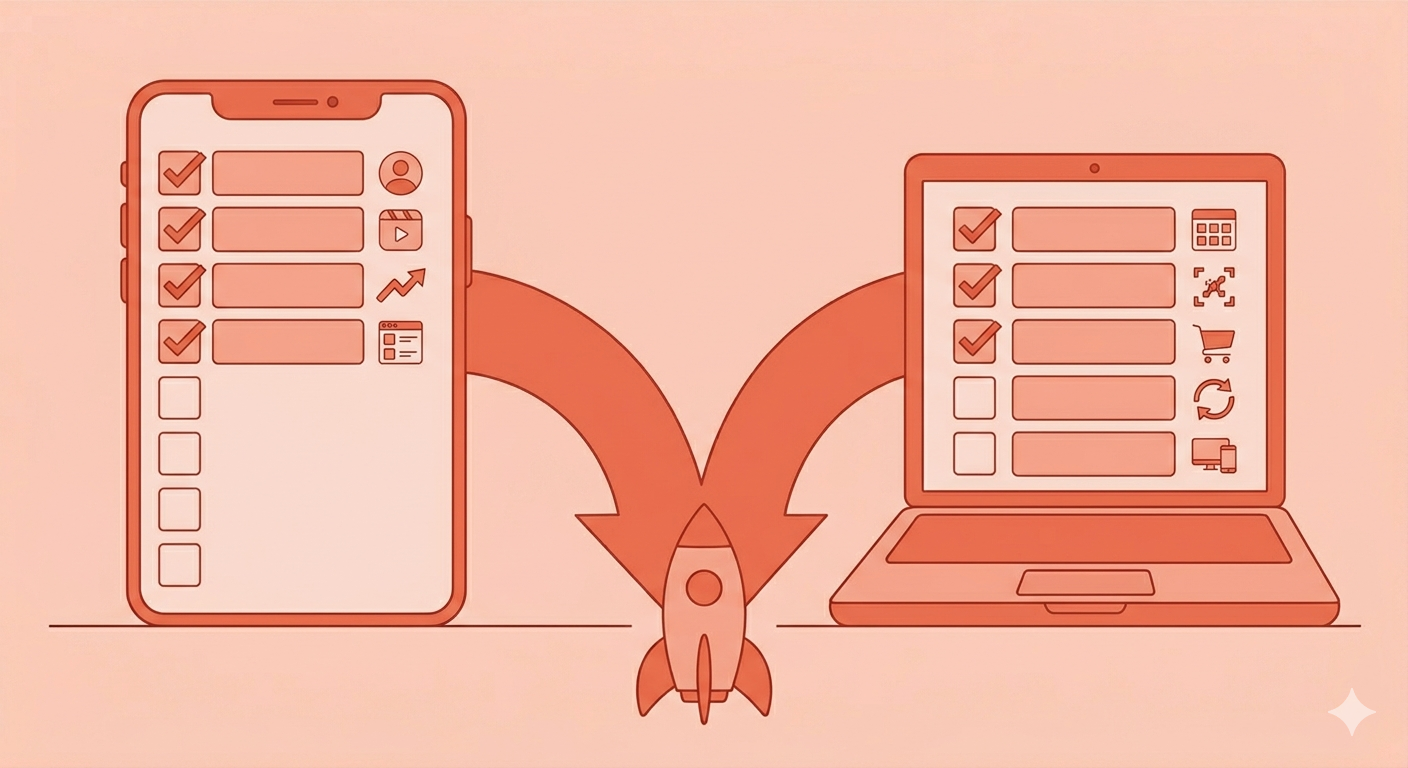
Setting up the shops is the easy part. The hard part — and the part most guides skip — is understanding how to drive sales consistently once you're live. Here's what the small brands generating real revenue from social commerce in 2026 are doing differently.
Affiliate Marketing on TikTok Shop — Your Secret Weapon
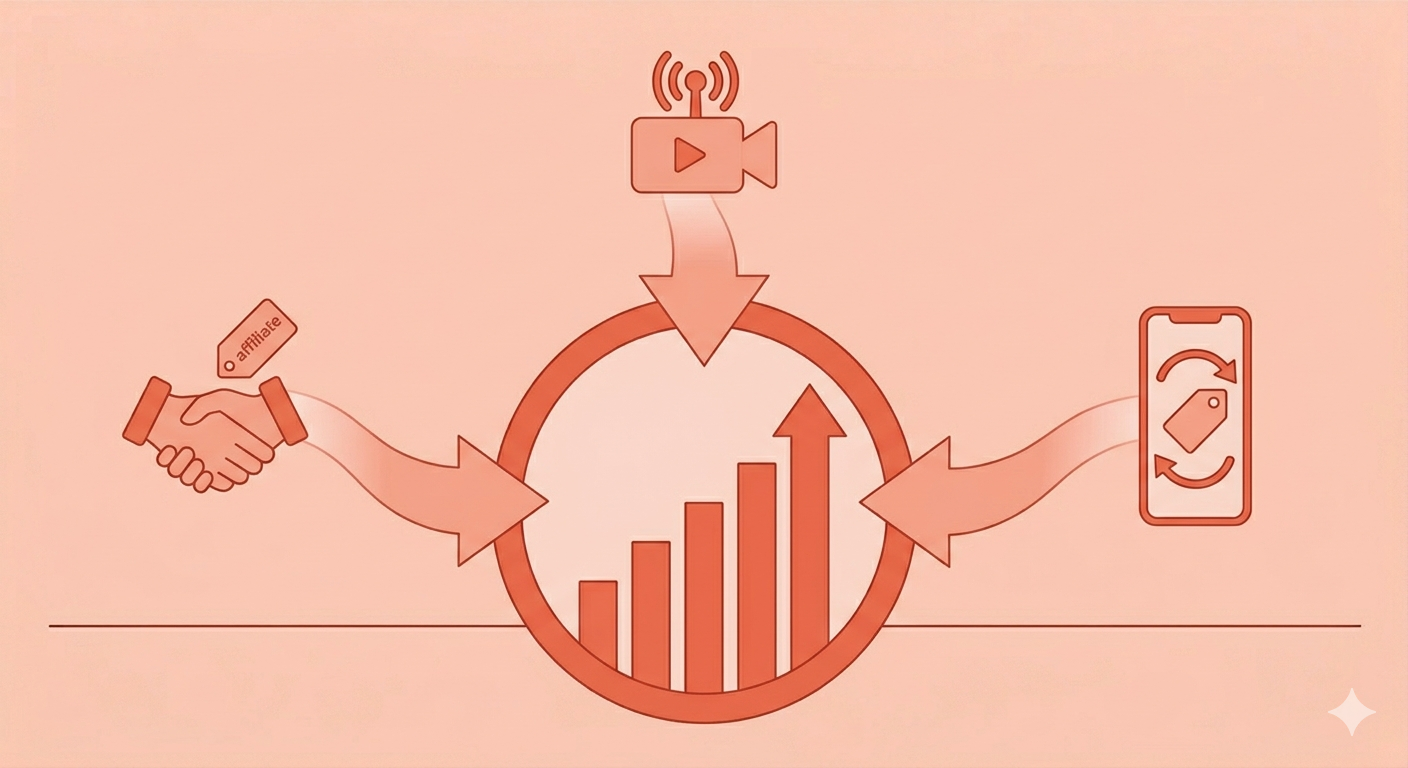
TikTok's affiliate system is the single most powerful sales driver available on TikTok Shop for small brands, and most brands underutilize it completely. TikTok's affiliate marketplace allows creators — people with their own audiences — to apply to promote your products in exchange for a commission on sales they generate. You set the commission rate, approve creators, and send them product samples. They create content featuring your product in their own authentic style, and when their followers buy through their affiliate link, you pay the commission automatically through TikTok's system.
This means your product can appear in front of thousands of new potential customers without you creating a single piece of content. The best affiliate-driven TikTok Shop brands identify creators whose audiences match their target customer profile, reach out proactively with generous commission offers and free samples, and build ongoing relationships rather than one-off promotions. Plan for affiliate commissions and TikTok's platform fees to represent roughly 14-17% of revenue from this channel — factor that into your pricing before you launch.
Live Shopping on TikTok — The Format With the Highest Conversion Rate
TikTok LIVE shopping consistently delivers the highest conversion rates of any content format on the platform. A live shopping session creates real-time urgency — viewers can ask questions, see products demonstrated live, and buy instantly with products pinned at the bottom of the screen. Brands like Pacsun have sold hundreds of thousands of units through single LIVE sessions.
You don't need a professional studio or a large following to run effective live shopping events. What you need is energy, a clear product focus, and consistency. Start with one 30-minute live session per week. Announce it in advance in your feed content. Demonstrate your products authentically, answer questions in real time, and offer a small live-exclusive discount to create urgency. The more regularly you go live, the more TikTok's algorithm learns your content type and promotes your sessions to relevant audiences.
Instagram Shopping Strategy — Reels With Product Tags
On Instagram, the content format that drives the most shop traffic in 2026 is Reels with product tags — not static posts, not Stories, and not traditional ads. Reels reach non-followers through Instagram's recommendations engine, which means every Reel is a potential discovery moment for someone who has never heard of your brand. When that Reel features product tags, the path from discovery to purchase is a single tap.
Create Reels that showcase your products in use — real-life contexts, authentic moments, behind-the-scenes glimpses of how your product is made. Tag every product that appears on screen. Write a caption that includes the keywords your ideal customer would search for, because Google now indexes public Instagram posts and your products can appear in web search results. This combination of Reels, product tags, and searchable captions creates a compounding discovery engine that gets more powerful every piece of content you add.
What to Watch Out For — The Mistakes That Derail Small Brand Launches
Social commerce launches fail more often than they should because of avoidable operational mistakes. Here are the most common ones to get ahead of before they happen to you.
The biggest mistake is treating TikTok Shop like a product listing page. Static photos and bullet-point descriptions that might work on Amazon do not work on a video-first platform. Every product in your TikTok Shop needs video content associated with it — whether that's your own organic videos or affiliate creator content. A shop with no video activity has almost zero organic discoverability regardless of how good your products are.
The second biggest mistake is underestimating fulfillment speed. TikTok has strict shipping time requirements, and your Seller Performance Score — which directly determines your eligibility for paid campaigns and promotional features — drops when orders ship late. Before you go live, make sure your fulfillment process can handle a sudden surge in orders. The last thing you want is a viral moment that creates 500 orders you can't ship on time.
On Instagram, the most common mistake is setting up the shop and then never building it into the content workflow. A shop that exists but has no product tags in content drives almost no traffic. Tagging products should become as automatic as writing a caption — it takes 10 extra seconds per post and creates a permanent shoppable layer on everything you've ever published.
Finally, don't launch one platform and ignore the other. TikTok and Instagram Shopping are complementary — they serve different stages of the customer journey and different buyer mindsets. A brand that sets up TikTok Shop but has no Instagram presence loses the customers who would have converted after checking out their profile. A brand with a great Instagram Shop but no TikTok presence misses the discovery engine that feeds the funnel. Both are necessary. Neither alone is complete.
Social commerce in 2026 is not complicated. But it does require setup, consistent content, and an understanding of how each platform drives sales differently. Get both shops live, create content that works for each platform's culture, and build the affiliate and live shopping infrastructure that separates the brands generating real revenue from the ones just collecting product views.
SnapReel AI helps small brands create the consistent, platform-native video content that TikTok Shop and Instagram Shop actually need to drive sales — so your shop doesn't just exist, it converts.