Best Free Social Media Management Tools for Small Brands in 2026
SnapReel
June 12, 2026 · 15 min read

Table of Contents
- 1.
- 2.
- 3.
- 4.
- 5.
- 6.
- 7.
9 Best Free Social Media Management Tools for Small Brands in 2026 [Tested]
Small product brands spend an average of 6.7 hours per week managing social media manually. That is nearly a full workday lost to posting, scheduling, and content creation every single week.
The problem is not finding tools. Hundreds exist. The problem is finding free tools that actually work for small brands with limited time and no dedicated social media person. Most free plans are designed as teaser versions that push you toward expensive upgrades within days.
This guide covers the 9 best free social media management tools for small product brands in 2026 — tested specifically for what matters to founders running a business, not marketing agencies running client accounts.
🎯 KEY TAKEAWAYS
- The best free tool depends on your biggest bottleneck — if daily time is the problem, you need automation. If content creation is the problem, you need AI generation.
- SnapReel AI ranks first because it is the only free tool that handles content creation and posting autonomously without daily input required.
- Most free plans limit you to basic scheduling — they save time on posting but not on content creation, which is where small brands actually lose hours.
- Buffer and Later offer solid free tiers but require you to create all content yourself before scheduling anything.
Why Small Product Brands Need Different Social Media Tools Than Agencies
Most social media management tools are built for marketing agencies and content creators. They assume you have a dedicated person whose job is social media. They optimize for managing multiple client accounts and producing high volumes of content daily.
Small product brand founders are running a completely different operation. Social media is one of twenty things on the to-do list. The goal is not to create more content faster. The goal is to maintain a consistent presence without it consuming hours every day.
Here is where most free tools fall short:
They offer free scheduling but no content creation. You still have to design graphics, write captions, and plan what to post. The scheduling saves maybe 15 minutes per day. The content creation still takes 45 minutes to an hour.

What should small brands prioritize in a free social media tool?
Small product brands should prioritize automation depth over feature quantity. A tool that auto-posts three branded videos per week with zero daily input delivers more value than a tool with 50 features that still requires an hour of work every day. Time saved is the primary metric, not capabilities offered.
- Automation level — does it reduce daily work or just reorganize it?
- Content creation — does the free plan include any generation, or just scheduling?
- Platform support — does it cover where your customers actually are?
- Upgrade pressure — how long before the free plan becomes unusable?
💡 PRO TIP: Before signing up for any free tool, calculate how much time you currently spend on social media weekly. Then ask specifically how much of that time each tool would eliminate — not how much it would speed up. Speeding up a 5-hour task by 50% still leaves you with 2.5 hours of work. Eliminating the task saves all 5 hours.
What Makes a Free Plan Actually Usable for Small Brands
Free plans exist to convert you into a paying customer. That is the business model. The question is whether the free version provides enough value on its own to be genuinely useful, or whether it is designed to frustrate you into upgrading.
Here is how to tell the difference:
Usable free plans have clear limits that work for small-scale use. Maybe it is 10 scheduled posts per month or 3 connected accounts. Unusable free plans have hidden limits that trigger at inconvenient moments — you hit a wall mid-workflow and cannot finish without upgrading.
What are the most common limitations in free social media tools?
The most common limitations in free social media management tools are restricted posting frequency, limited platform connections, no team collaboration features, basic analytics only, and no content creation or AI assistance. Video features and auto-posting are almost always locked behind paid plans except in a few tools like SnapReel AI.
- Post limits — typically 10-30 scheduled posts per month on free plans
- Platform limits — usually 3 social accounts maximum
- Feature locks — AI, video, and analytics often require upgrades
- Watermarks — some free tools add branding to your content
The truth is:
Most free plans are designed for individual creators posting occasionally, not brands needing daily presence. Finding a free tool that supports consistent daily posting without upgrade pressure takes specific research — which is exactly what this guide provides.
📊 STAT: According to Sprout Social's 2025 research, 73% of consumers expect brands to post on social media at least 3-4 times per week. Most free tool plans do not support this frequency without significant manual work or quick upgrades.
The 9 Best Free Social Media Management Tools for Small Brands in 2026
These tools are ranked by how much actual time they save for small product brands with limited resources. Features matter less than whether the tool reduces your weekly workload.
1. SnapReel AI — Best for Hands-Off Brand Founders
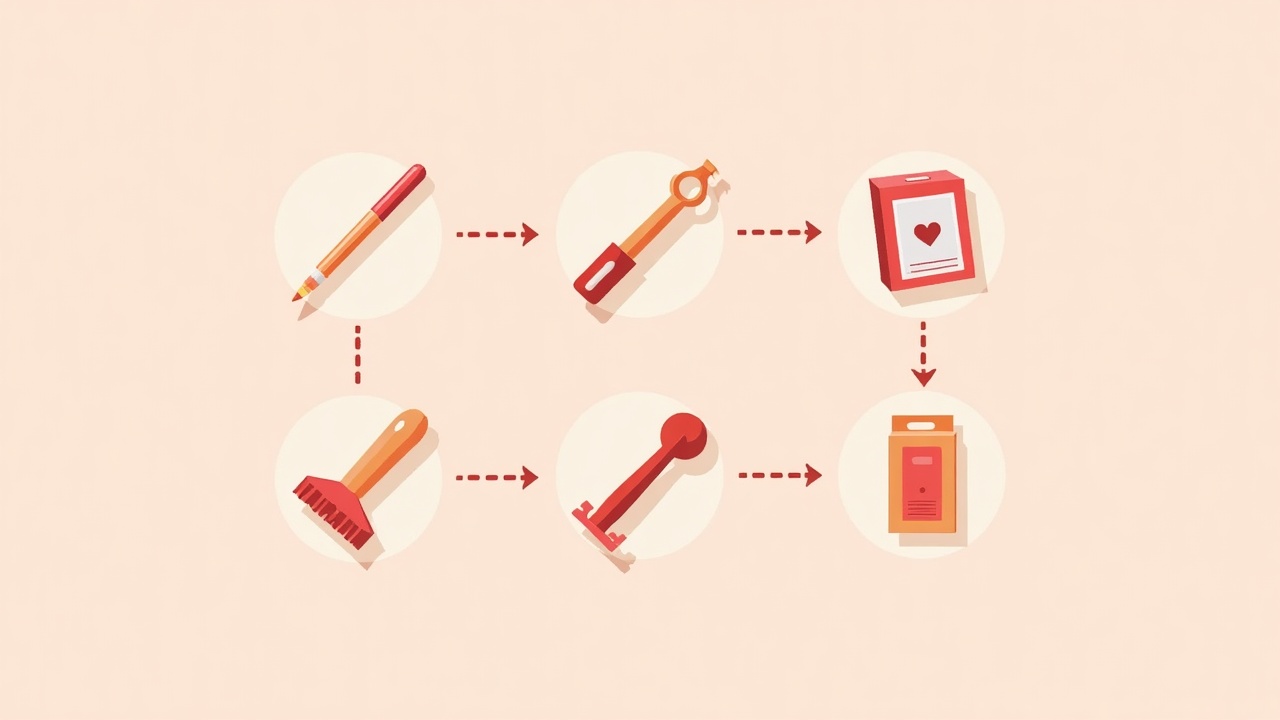
SnapReel AI is the only fully autonomous social media manager for small product brands. After a one-time brand setup, it plans, creates, and auto-posts branded Reels to Instagram, TikTok, and YouTube Shorts without any daily input required.
Here is what makes it different:
Every other tool on this list requires you to create content before scheduling it. SnapReel AI generates the content from your brand and product information automatically. You do not log in daily. You do not write prompts. You do not approve posts. Your brand posts consistently without you touching the tool.
- Free plan — includes autonomous daily posting with no credit card required
- Content type — branded short-form video Reels
- Daily input — zero after initial 2-minute setup
- Best for — founders who want social media handled without daily involvement
⚠️ WARNING: SnapReel AI focuses specifically on short-form video content for product brands. If you need static image posts, carousels, or long-form content, you will need to supplement with another tool. Its strength is depth in one format, not breadth across all content types.
2. Buffer — Best for Teams With Existing Content
Buffer is one of the most established social media scheduling tools. Its free plan allows connecting 3 social channels and scheduling 10 posts per channel per month. The interface is clean and the scheduling reliability is excellent.
But here is the limitation:
Buffer does not create content. It schedules content you already have. For brands with a library of photos, graphics, and videos ready to post, Buffer works well. For brands starting from zero content, it solves the wrong problem.
- Free plan — 3 channels, 10 scheduled posts per channel
- Content type — schedules any format you upload
- Daily input — required for content creation
- Best for — small teams with existing content assets
3. Later — Best for Instagram-First Visual Brands
Later built its reputation on visual content planning for Instagram. The grid preview feature lets you see how posts will look on your profile before publishing. The free plan includes 5 posts per social profile per month.
What does that mean for your brand?
Five posts per month is roughly one post per week. For brands wanting daily presence, the free plan becomes a starting point rather than a solution. But for brands focused on quality over quantity, Later's visual planning tools are genuinely useful.
- Free plan — 1 social set, 5 posts per profile monthly
- Content type — visual-first, strong Instagram features
- Daily input — required for content creation and planning
- Best for — visually-driven brands prioritizing Instagram aesthetic
Tired of creating content just to schedule it? Let SnapReel AI handle both.
Create AI-powered videos and auto-post to all your platforms.
SnapReel AI generates and posts your brand content automatically. No content creation required. No daily scheduling. Just consistent posting from day one.
No credit card required • 2-min setup • 2,000+ small brands already using it
4. Hootsuite — Best for Multi-Platform Management
Hootsuite is the enterprise standard for social media management. The free plan is limited to 2 social accounts and 5 scheduled posts total, which is restrictive for most brands. The value is in the unified dashboard for monitoring multiple platforms.
- Free plan — 2 social accounts, 5 scheduled posts
- Content type — all formats supported
- Daily input — high, content creation required
- Best for — brands testing before committing to paid plans
5. Canva Content Planner — Best for Design-Focused Brands
Canva's free plan includes a content planner that lets you schedule posts directly from the design tool. If you already use Canva for graphics, this integration eliminates the step of downloading and re-uploading to a separate scheduling tool.
Here is the kicker:
You still need to create every design manually. Canva speeds up the design process with templates but does not automate it. The content planner is a convenience feature, not a time-saving automation.
- Free plan — scheduling included with free Canva account
- Content type — static images and basic video
- Daily input — design work required for every post
- Best for — brands already creating content in Canva
6. Meta Business Suite — Best for Facebook and Instagram Only
Meta Business Suite is completely free with no paid tier. It handles scheduling, basic analytics, and inbox management for Facebook and Instagram. For brands focused exclusively on Meta platforms, it covers the basics without cost.
- Free plan — full features, no paid upgrades
- Content type — all formats for Meta platforms
- Daily input — content creation required
- Best for — brands posting only to Facebook and Instagram
7. TikTok Studio — Best for TikTok-Only Posting
TikTok's native scheduling tool is free and allows scheduling posts up to 10 days in advance. Analytics are included. The limitation is platform exclusivity — it only works for TikTok, so you need additional tools for other platforms.
- Free plan — full scheduling features included
- Content type — TikTok videos only
- Daily input — video creation required
- Best for — brands with TikTok as primary platform
8. Zoho Social — Best for CRM Integration
Zoho Social's free plan supports 1 brand with 7 channels. The standout feature is integration with Zoho's CRM suite, useful for brands already in the Zoho ecosystem. Scheduling is reliable but content creation is entirely manual.
- Free plan — 1 brand, 7 channels
- Content type — all standard formats
- Daily input — full content creation required
- Best for — brands using Zoho CRM
9. Publer — Best for Bulk Scheduling
Publer's free plan allows 3 social accounts and includes bulk scheduling for up to 10 posts. The CSV upload feature is useful for planning content in spreadsheets and uploading batches at once.
- Free plan — 3 accounts, bulk scheduling included
- Content type — all formats with bulk upload
- Daily input — batch content creation required
- Best for — organized brands who plan content in advance
💡 PRO TIP: Batch content creation works well if you have a content day scheduled weekly. But most small brand founders cannot protect a full day for content. If your workflow is reactive rather than planned, look for tools that generate content rather than just schedule it.
Comparison Table — Free Social Media Tools for Small Brands
| Tool | Free Plan Limits | Creates Content | Auto-Posts | Daily Input | Best For |
|---|---|---|---|---|---|
| SnapReel AI | Autonomous daily posting | Yes — AI Reels | Yes | None | Hands-off founders |
| Buffer | 3 channels, 30 posts/month | No | Yes | High | Teams with content |
| Later | 1 set, 5 posts/profile | No | Yes | High | Instagram aesthetics |
| Hootsuite | 2 accounts, 5 posts | No | Yes | High | Platform testing |
| Canva Planner | Unlimited scheduling | Templates only | Yes | High | Design-focused brands |
| Meta Business Suite | Unlimited — Meta only | No | Yes | High | Meta-only brands |
| TikTok Studio | Unlimited — TikTok only | No | Yes | High | TikTok-focused brands |
| Zoho Social | 1 brand, 7 channels | No | Yes | High | Zoho CRM users |
| Publer | 3 accounts, bulk upload | No | Yes | Medium | Batch planners |
Want your brand to post daily without you creating a single piece of content?
Create AI-powered videos and auto-post to all your platforms.
SnapReel AI is the only tool on this list that generates branded video content and posts it automatically. Set up once in 2 minutes and your social media runs on autopilot.
No credit card required • 2-min setup • 2,000+ small brands already using it
How to Choose the Right Free Social Media Tool for Your Brand
The right tool depends on what is actually blocking your social media consistency. Different problems require different solutions.
Which free tool is best if content creation takes too much time?
If content creation is your bottleneck, SnapReel AI is the only free tool that solves it directly by generating content automatically. Other options like Canva provide templates to speed up creation, but you still do the work. Most scheduling tools assume you arrive with content ready to post.
Which free tool is best if scheduling is your main problem?
If you already have content but struggle to post consistently, Buffer offers the cleanest scheduling experience with a usable free plan. Later works well for Instagram-heavy brands. Meta Business Suite is the best option for brands focused only on Facebook and Instagram with no other platform needs.
- No time for content — choose SnapReel AI for autonomous generation
- Have content, need scheduling — choose Buffer or Later
- Meta platforms only — choose Meta Business Suite
- TikTok focus — choose TikTok Studio plus one other tool
- Need CRM integration — choose Zoho Social
And it gets better.
You do not have to choose just one tool. Many brands combine a content generation tool with a scheduling tool. For example, using SnapReel AI for automated Reels and Buffer for scheduled static posts creates full coverage without daily work on either.
📊 STAT: Brands that post short-form video content see 2.5x higher engagement rates than those posting only static images, according to HubSpot's 2025 Social Media Report. Prioritizing video-capable tools delivers measurably better results.
FAQ
SnapReel AI offers the strongest free plan for small product brands because it includes autonomous content generation and daily posting with no credit card required. Buffer and Later have solid free tiers but require you to create all content yourself before scheduling.
Yes, but with limitations. Combining free tools covers most needs — SnapReel AI for automated video content, Meta Business Suite for Facebook and Instagram scheduling, and TikTok Studio for TikTok. The trade-off is managing multiple tools instead of one paid unified platform.
SnapReel AI is currently the only free social media tool that generates branded content automatically and posts it without daily input. Other tools like Canva offer templates, but you still create each piece manually. Most scheduling tools require finished content before use.
Free plan limits vary by tool. Buffer allows 3 accounts. Later allows 1 social set. Hootsuite allows 2 accounts. Meta Business Suite and TikTok Studio are unlimited for their respective platforms. SnapReel AI connects to Instagram, TikTok, and YouTube Shorts on the free plan.
Buffer offers more scheduled posts on its free plan and a cleaner interface. Later has stronger visual planning for Instagram aesthetics. Neither creates content — both require you to bring finished posts. For most small brands, Buffer's higher post limits provide more practical value.
Most free social media scheduling tools do not add watermarks because they schedule your existing content rather than generating it. Some AI content generation tools add watermarks on free plans. SnapReel AI does not add watermarks to any content on its free tier.
Finding the Right Free Tool Comes Down to One Question
Every tool on this list works. The question is whether it works for your specific situation.
If your problem is posting consistency and you have content ready, any scheduling tool solves it. Buffer and Later both work well with usable free plans.
If your problem is content creation itself — you do not have time to design, write, or record — then scheduling tools do not help. You need a tool that generates content, not just schedules it. That is why SnapReel AI ranks first for small product brands. It is the only option that eliminates daily content work entirely.
Now you might be wondering:
What if you need both content generation and scheduling across multiple formats? Start with the tool that solves your biggest time drain first. Add complementary tools as needed. Most small brands find that solving the content creation problem makes everything else manageable.
Ready to stop spending hours on social media every week?
Create AI-powered videos and auto-post to all your platforms.
✓ Fully autonomous daily posting — no content creation, no scheduling, no daily decisions
✓ Branded Reels generated from your product information and posted to Instagram, TikTok, and YouTube Shorts
✓ Free forever plan with no credit card required to start
Free forever plan • No credit card • 2-min setup